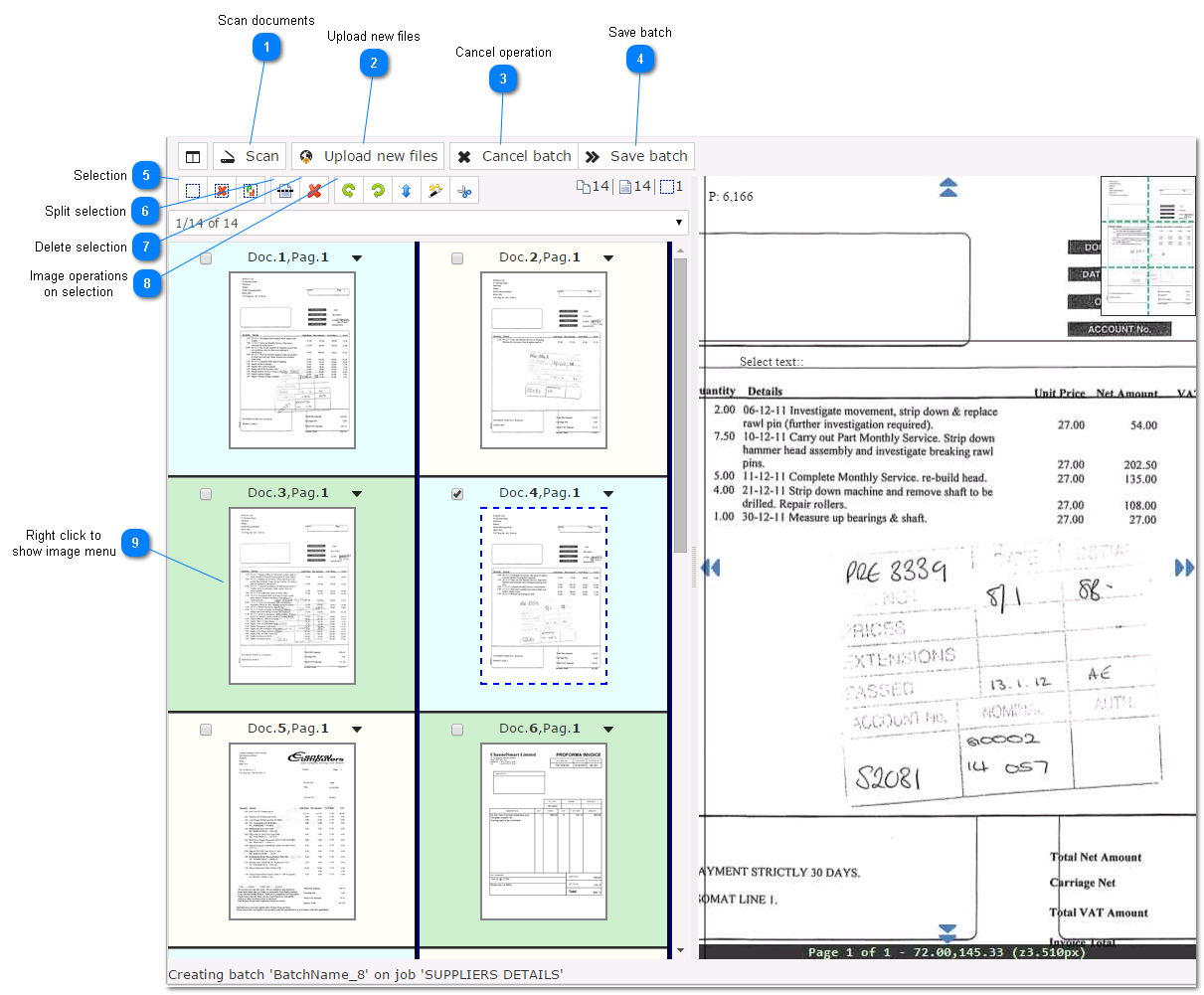
This application allows you to create new batches from images or PDF documents.
Also you can rotate, delete, split and join pages using the included tools.
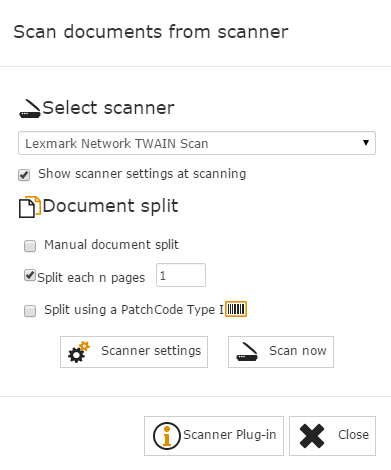
 Scan documents
 using any TWAIN scanner.
|
|
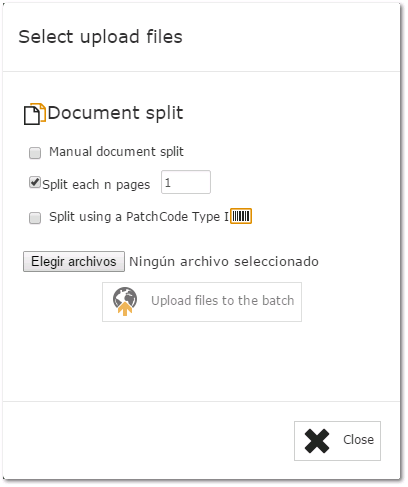
 Upload new files
Allows to upload files selecting or dragging files.
|
|
 Cancel operation
Cancels and delete all document on this batch.
|
|
 Save batch
Finish and saves the batch, the batch will be send to next workflow state.
|
|
 Selection
|
|
 Split selection
Split selected images as new documents (selected pages becomes pages 1)
|
|
 Delete selection
Delete all selected images
|
|
 Image operations
on selection
|
|
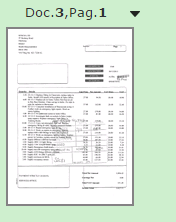
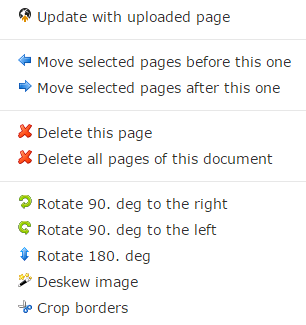
 Right click to
show image menu
Image menu allows to execute operation on the CLICKED IMAGE.
|
|