Batches Creation

 
This application allows you to create new batches from images or PDF documents.
 
Also you can rotate, delete, split and join pages using the included tools.
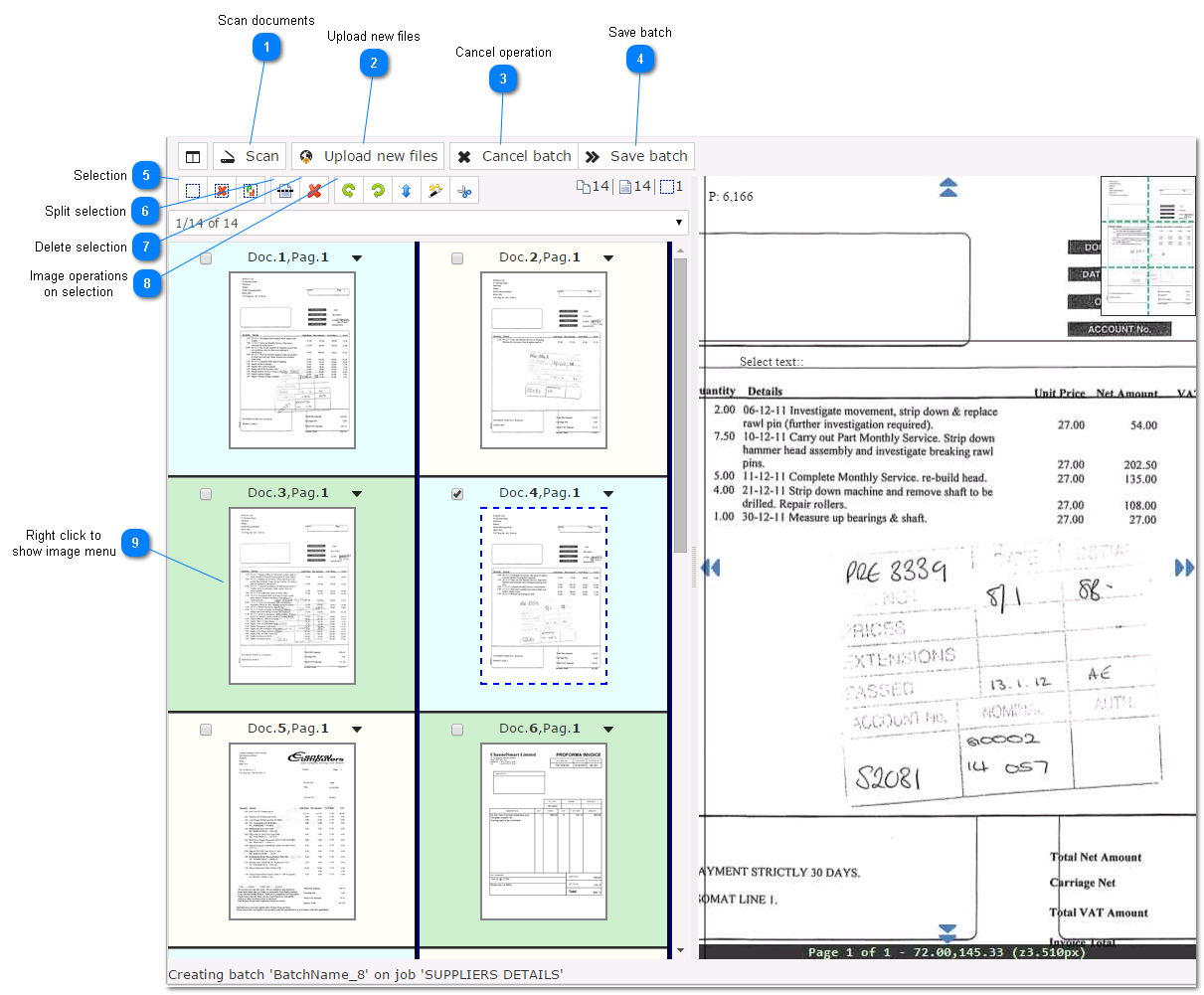


Batches Creation
 
 
1

Scan documents

1. Scan documents
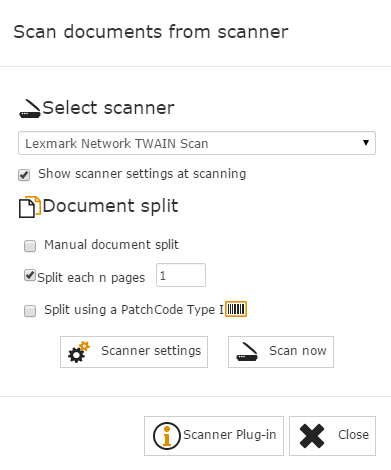
Scan documents using any TWAIN scanner.
 
 
2

Upload new files

2. Upload new files
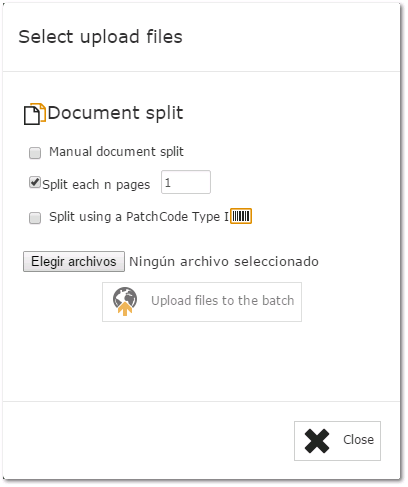
Allows to upload files selecting or dragging files.
 
 
3

Cancel operation

3. Cancel operation
Cancels and delete all document on this batch.
4

Save batch

4. Save batch
Finish and saves the batch, the batch will be send to next workflow state.
5

Selection

5. Selection
  • Select all
  • Remove selection
  • Toggle selection
6

Split selection

6. Split selection
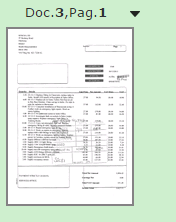
Split selected images as new documents (selected pages becomes pages 1)
7

Delete selection

7. Delete selection
Delete all selected images
8

Image operations

on selection

8. Image operations
on selection
 
  • Rotate left
  • Rotate right
  • Flip vertical
  • Auto deskew
  • Crop borders
9

Right click to

show image menu

9. Right click to
show image menu
 
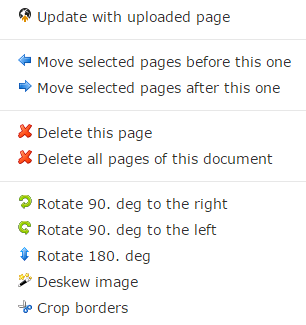
Image menu allows to execute operation on the CLICKED IMAGE.