Menu
Index

User input application

 
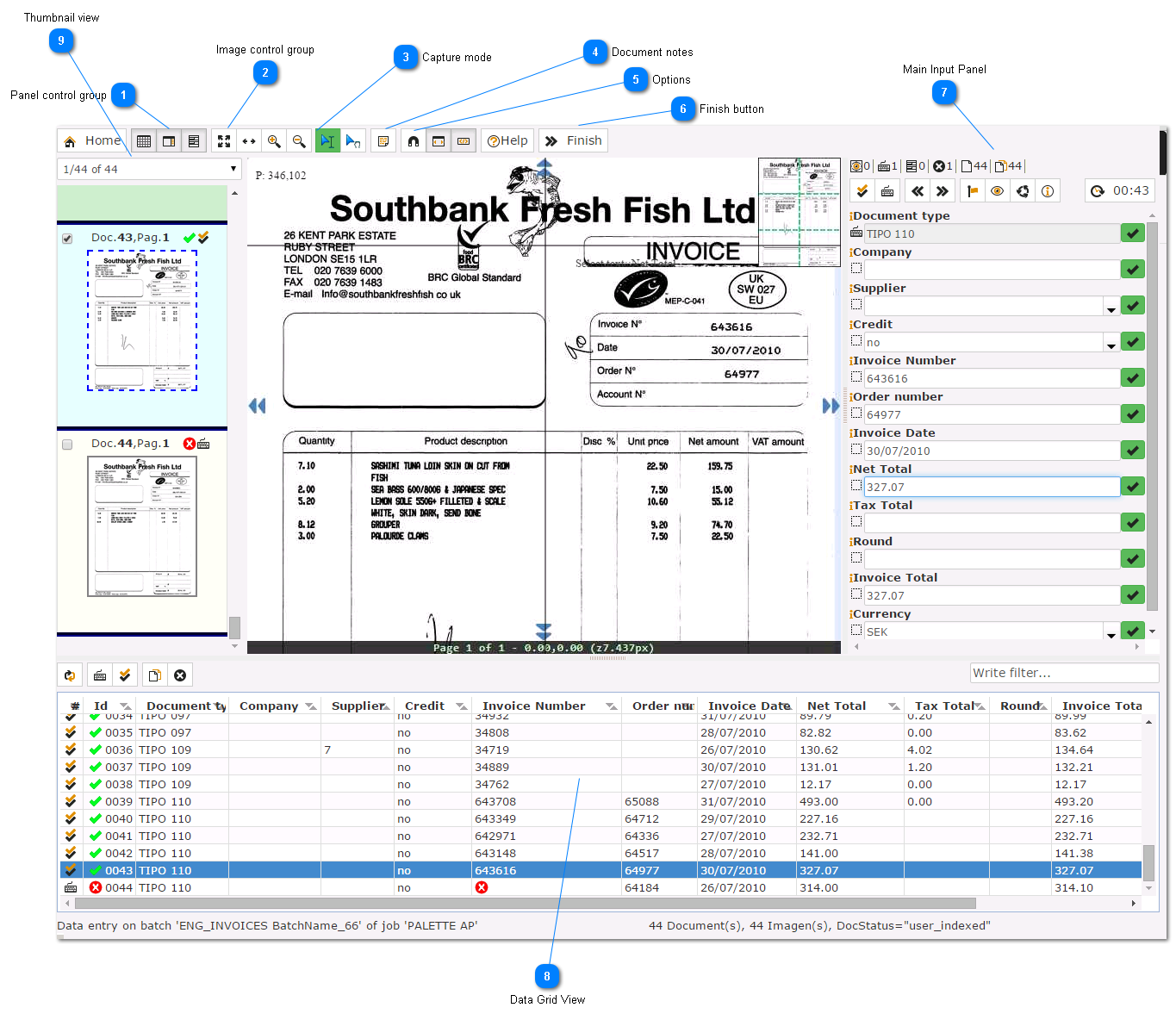
This application allows to index/correct data on the ChronoScan application.
 
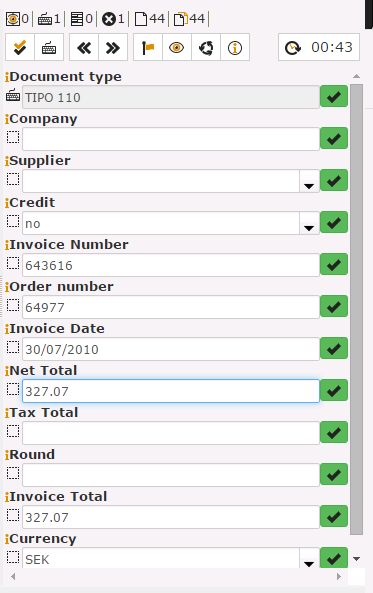
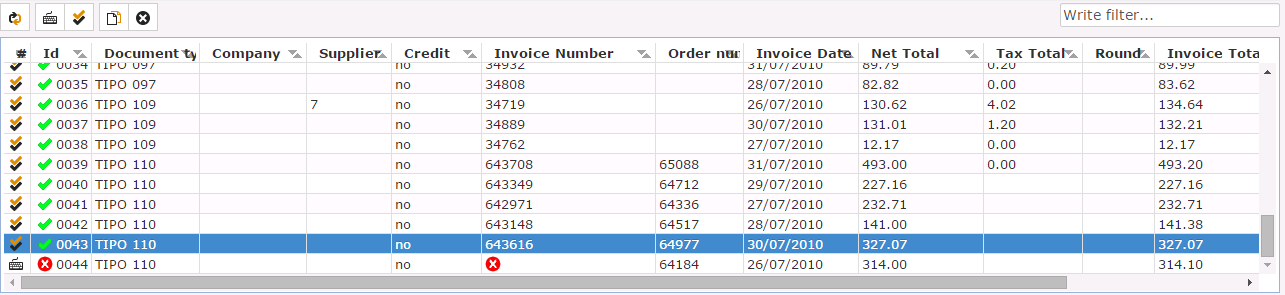
The main goal of the operator is to validate all pending documents on the batch, for this usually should correct all errors and click on validate document (ENTER). Excepcionally the job can be configured to accept validation of documents with errors.


User input application
 
1

Panel control group

1. Panel control group
Allows to show/hide the thumbnail/data grid or form data panels.
2

Image control group

2. Image control group
Allows to control basic image functions, like zoom width/height.
3

Capture mode

3. Capture mode
Toogles mouse mode betwen text capture and image drag.
4

Document notes

4. Document notes
Opens current document notes.
5

Options

5. Options
 
1.- Zoom the image to the focussed field.
2.- Zoom the image to the focussed field, but with image width zoom.
3.- Shows/Hides image labels.
 
6

Finish button

6. Finish button
Click here when you have finished all batches documents.
9

Thumbnail view

 
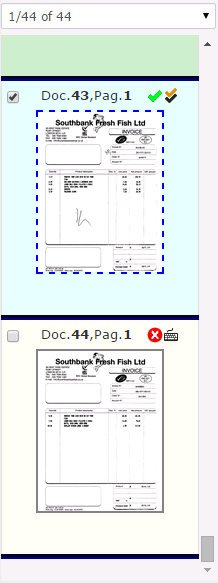
Click here for a detailed description of the thumbnail view.
 
9. Thumbnail view
 
The help manual was created with Dr.Explain