Dashboard
The Dashboard is the main entry point to the application, from the dashboard operators and editors can select and execute tasks, like batch creation or correction.
Main tasks
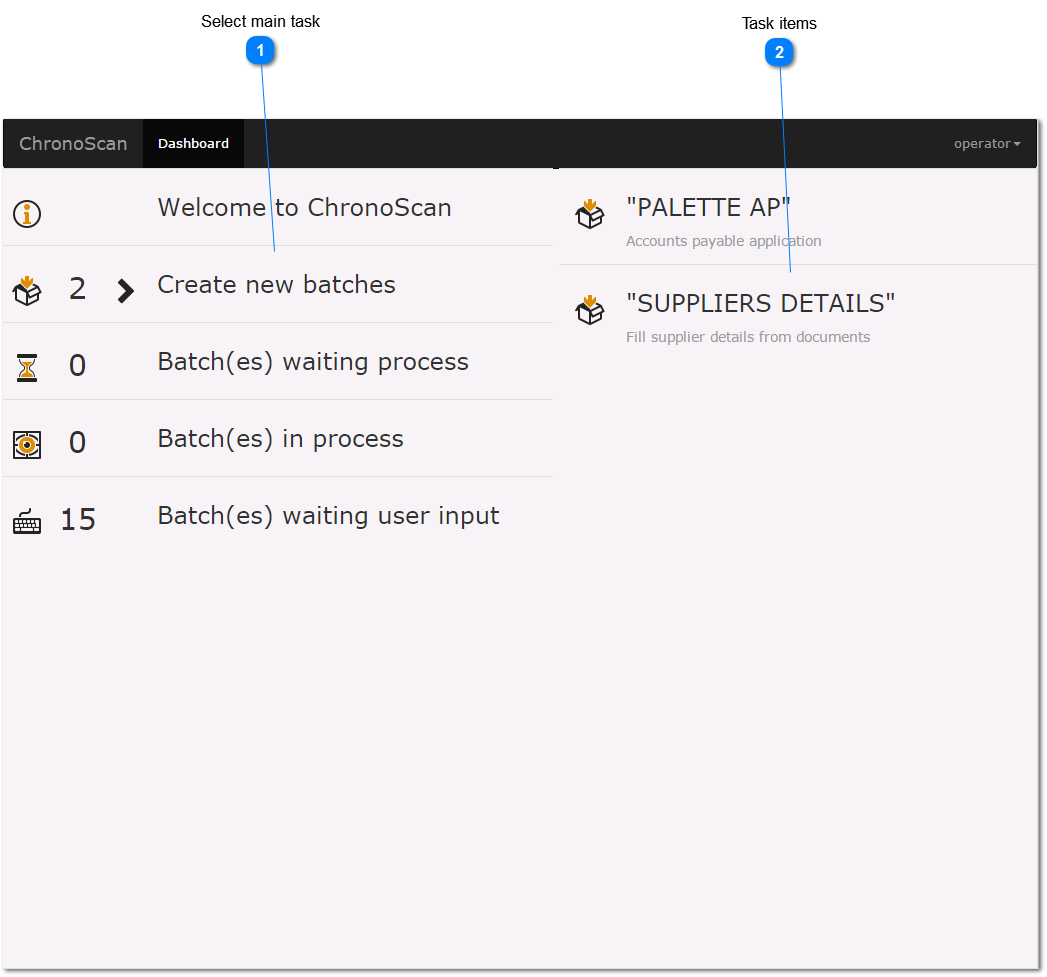
Dashboard
The Dashboard is the main entry point to the application, from the dashboard operators and editors can select and execute tasks, like batch creation or correction.
Main tasks |



