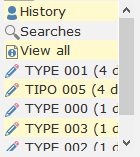
History and Document Navigator
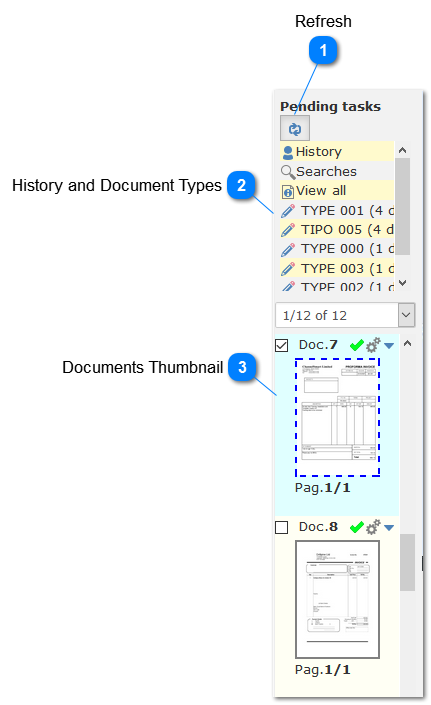
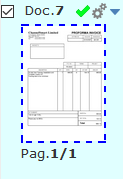
On the History and Document Navigation window the user can see thumbnails for all documents and the status for each. A history window is also available to keep track of all dcument actions performed. It is also possible to select how many documents and pages show up at the list and to perform classification tasks.